
Never Miss a
Turnover Again
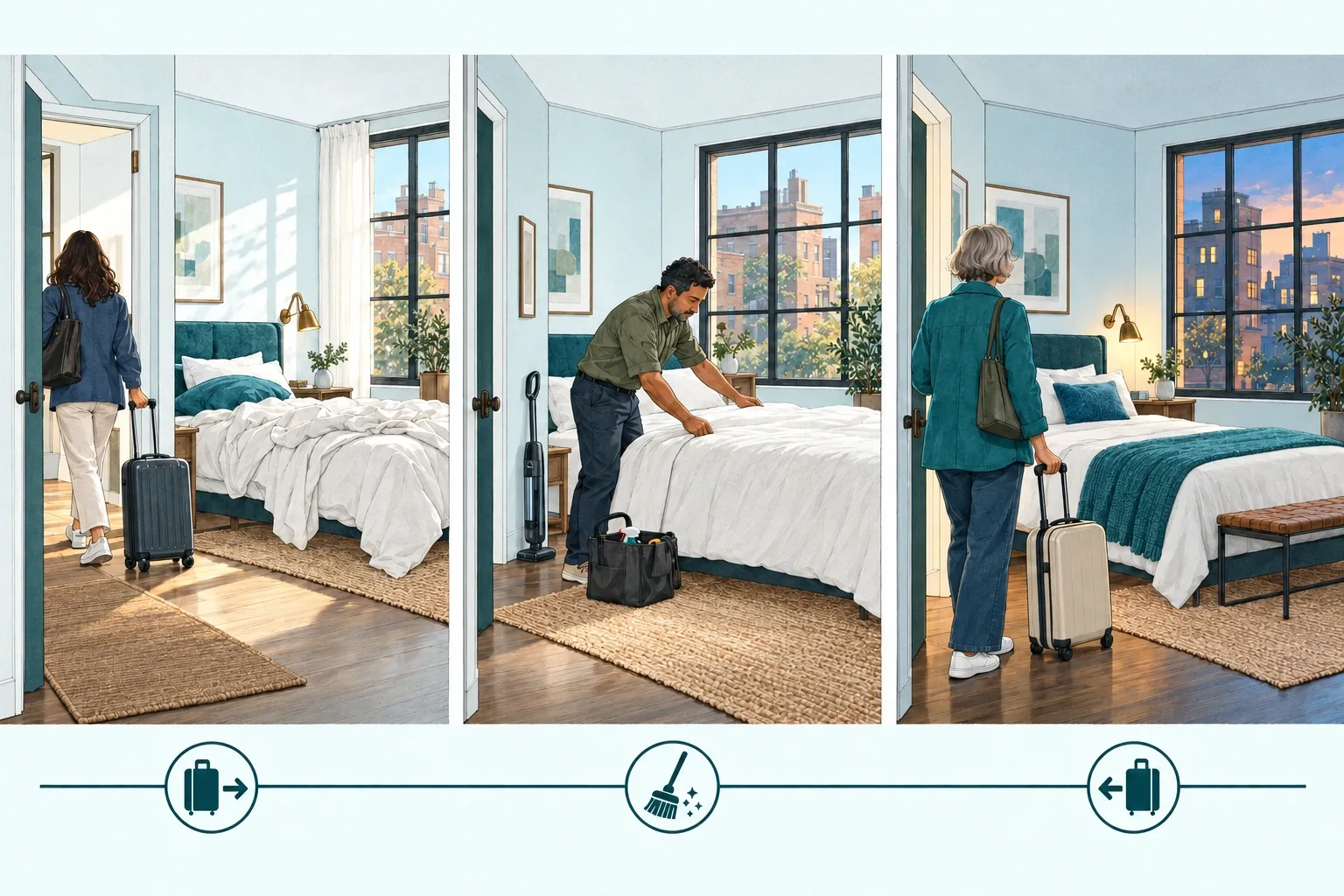
Jobs go out on their own: after every booking, or on a recurring schedule you set. Changes and cancellations are handled automatically, and reminders cover the jobs you only do now and then.
Core Features
Scheduling That Thinks Ahead
Four capabilities that replace manual coordination with intelligent automation.
From Your Bookings
Turnovers are created automatically for every check-in or check-out from your PMS or calendar. No manual coordination needed.
On a Recurring Schedule
Run jobs that aren't tied to a booking: every few days, on chosen weekdays, or on set dates each month.
Flexible Modes
Send to your preferred cleaner, or to several at once and the first to accept gets the job. If nobody accepts, backups get it next, the job resends automatically, and you can raise the offered price.
Last-Minute Changes
Plans change? The autoscheduler adapts in real-time. Cancelled bookings, date changes, and new reservations are handled automatically.
Recurring schedules
Jobs That Don't Wait for a Booking
Pool service, deep cleans, lawn care and filter changes run on their own calendar. Set the cadence once and Autoscheduler sends each job ahead of time, to the same providers and with the same rules as your turnovers.
- Every few days, on chosen weekdays, or on set dates each month
- A fixed start time or a flexible window: earliest start, latest finish
- Sent to providers the number of days ahead you choose
- Preview the upcoming schedule before you publish
Upcoming schedule
Deep clean · every 2 weeks on Tuesday
- Tue, Nov 3 Sent 3 days ahead
- Tue, Nov 17 Sent 3 days ahead
- Tue, Dec 1 Sent 3 days ahead
- Tue, Dec 15 Sent 3 days ahead
Recurring reminders
Reminders for the Jobs You Only Do Now and Then
Some tasks don't need a job of their own: change the remote batteries, test the smoke alarms. Set a reminder for each property and choose how many days ahead it shows on your calendar.
Change remote batteries
Due in 14 days-
Attach it to the next job
Add the task to a job that's already going out.
-
Skip this time
Ignore it until the next cycle.
Every cycle is recorded as attached, skipped or missed, so nothing slips by unnoticed.
Booking-based scheduling, recurring schedules and reminders are included on every plan.
How It Works
Three Steps to Autopilot
Connect
Link your booking calendar (Airbnb, Guesty, Hostaway, or any PMS) or set a recurring schedule
Configure
Set your preferences, assign cleaners, customize checklists
Relax
Turnovers are scheduled and dispatched automatically
Questions
Autoscheduler FAQ
What is Properly Autoscheduler?
Autoscheduler is part of the Properly Platform. It creates jobs and sends them to your cleaners and other service providers automatically: turnovers from every booking check-in or check-out, and recurring jobs on a schedule you set. It also follows booking changes and cancellations, and reminds you about occasional tasks.
Can Autoscheduler schedule jobs that are not tied to a booking?
Yes. Recurring schedules repeat every few days, on chosen weekdays, or on set dates each month. Each job goes to your providers the number of days ahead you choose, with a fixed start time or a flexible window, and you can preview the upcoming schedule before publishing.
What are recurring reminders?
A reminder for a task you only do now and then, such as changing remote batteries. You set how often it is due for each property and how many days ahead it appears on your calendar. When it is due, attach it to the next job or skip it until the next cycle. Every cycle is recorded as attached, skipped or missed.
What happens when a booking is cancelled or changed?
Autoscheduler detects cancellations and changed check-in or check-out dates, then reschedules or cancels the job tied to that booking, depending on your settings. It can email you when it does.
Can I use Autoscheduler with multiple cleaners?
Yes. Send a job to your preferred cleaner, or to several at once and the first to accept gets it. If nobody accepts, it goes to your backup providers, resends automatically, and you can raise the offered price. You can assign different cleaners to different properties.
Which booking systems does Autoscheduler work with?
Airbnb and 50+ platforms through iCal calendar sync. On the Pro plan, direct API integration with Guesty, Hostaway, Hospitable, BookingSync, Escapia and 10+ other PMS platforms.
How much does Autoscheduler cost?
Autoscheduler, including recurring schedules and reminders, is included on every plan. The Platform starts at $12.99 per property per month and the price drops as you add properties. The 30-day free trial needs no credit card.
Scheduled Is Half the Job. Verified Is the Other Half.
Add Real-Time Inspection and every auto-scheduled turnover gets an expert + AI photo review before guests arrive — $5 per inspection.
80%
Error reduction
500x
ROI vs bad review
$5
Per inspection
Start Automating Your Turnovers Today
Connect your bookings, invite your team, and let the autoscheduler handle the rest. Set up in under 10 minutes.